

- Joined
- Nov 13, 2007
- Messages
- 1,625
- Reaction score
- 285
- Points
- 237
There are a lot of ways to get your pictures onto SS, here are a few:
Here's a great video on some cool ways to insert pics:
(oh, and you can also embed videos too! )
)
- On your computer (for example from your desktop or Windows Explorer) "copy" the image file, then in the editor "paste" the file.
- If you have an image in your computer's "clipboard" you can just paste or CTRL-V it into a post
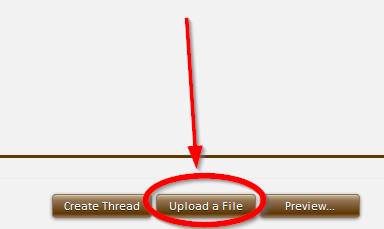
- Or, you can click "Upload a File"
Here's a great video on some cool ways to insert pics:
(oh, and you can also embed videos too!
)


